
Turbo storing in spontaneous movement task
In the case of a spontaneous movement task, you have the possibility to store everything at once in a location if the products are none type products.
First, scan the location from which you are taking the goods, then scan the product and enter the quantity or take all.
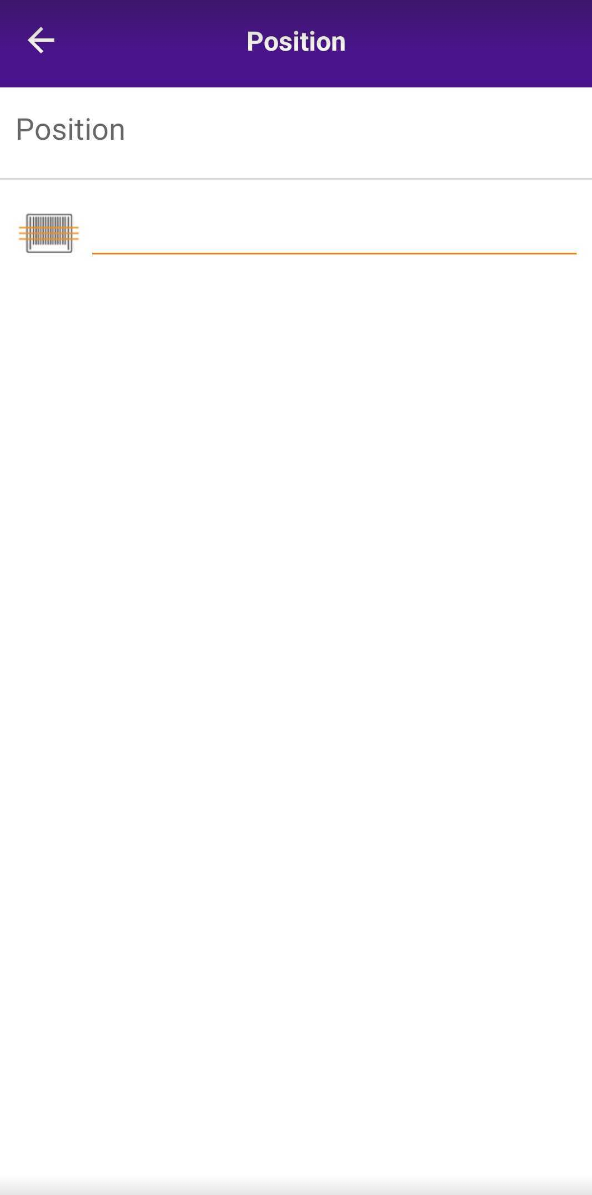
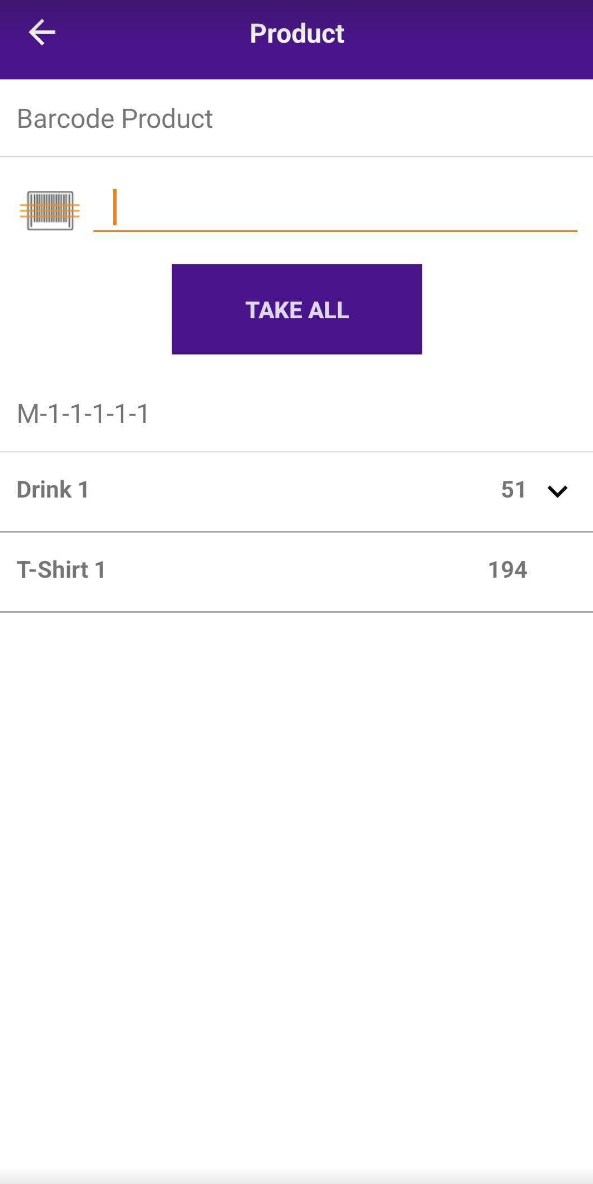
After collecting the products, tap Turbo Store.
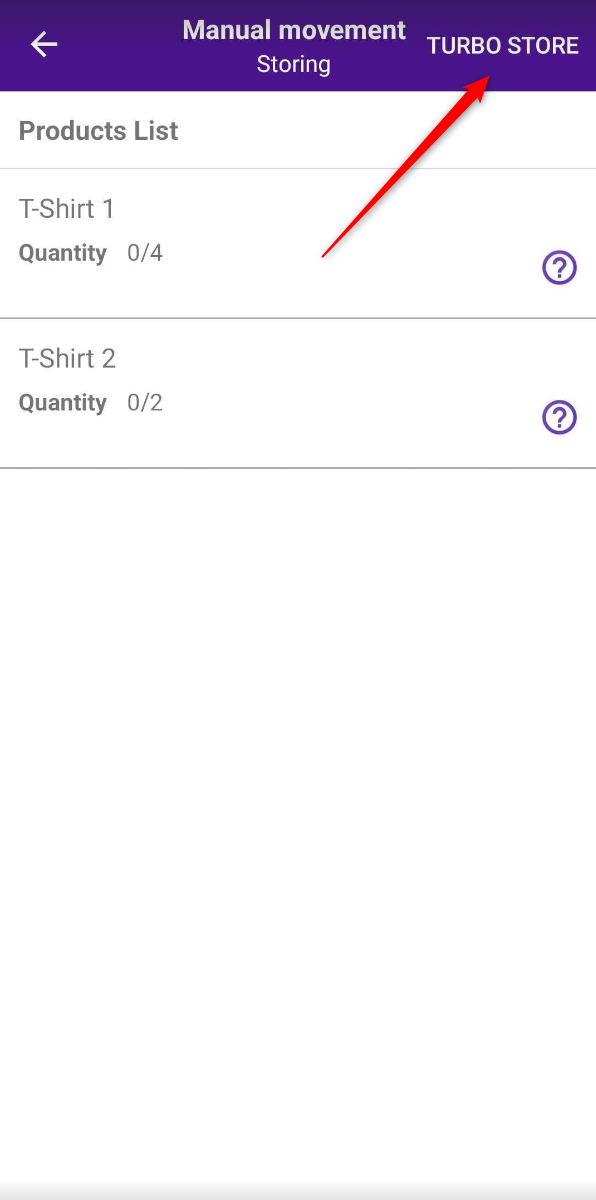
After that, you scan the location where you are going to store the products
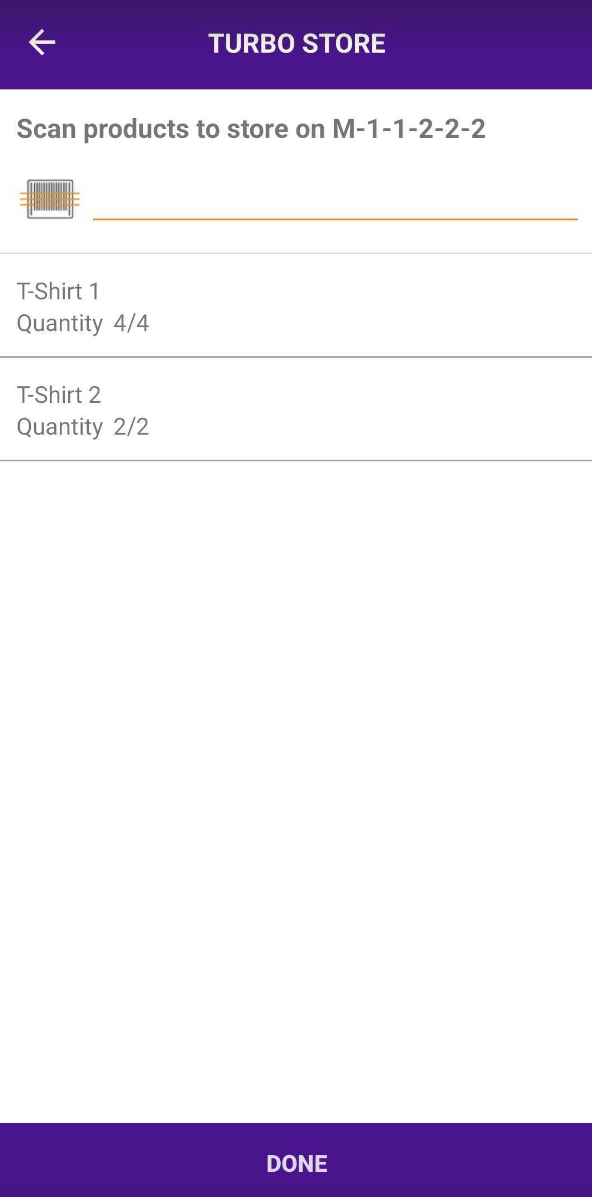
When the location has been scanned, you can add the product to the location shown at the top
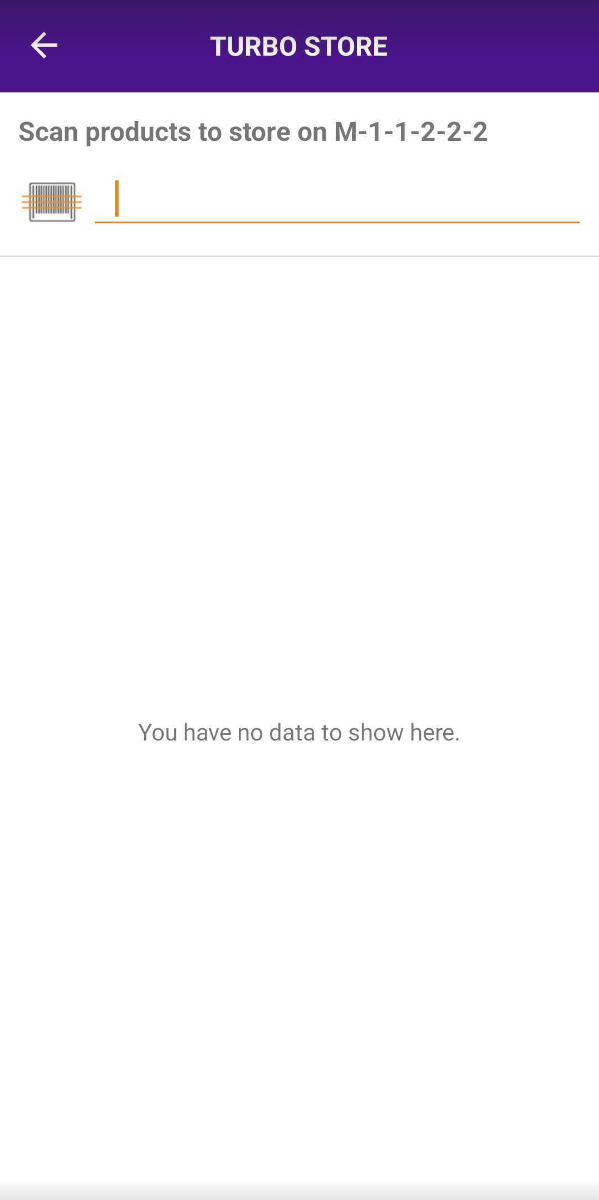
Each scan of the product adds 1 to the quantity. When the needed quantity is scanned, we are going to click Done.
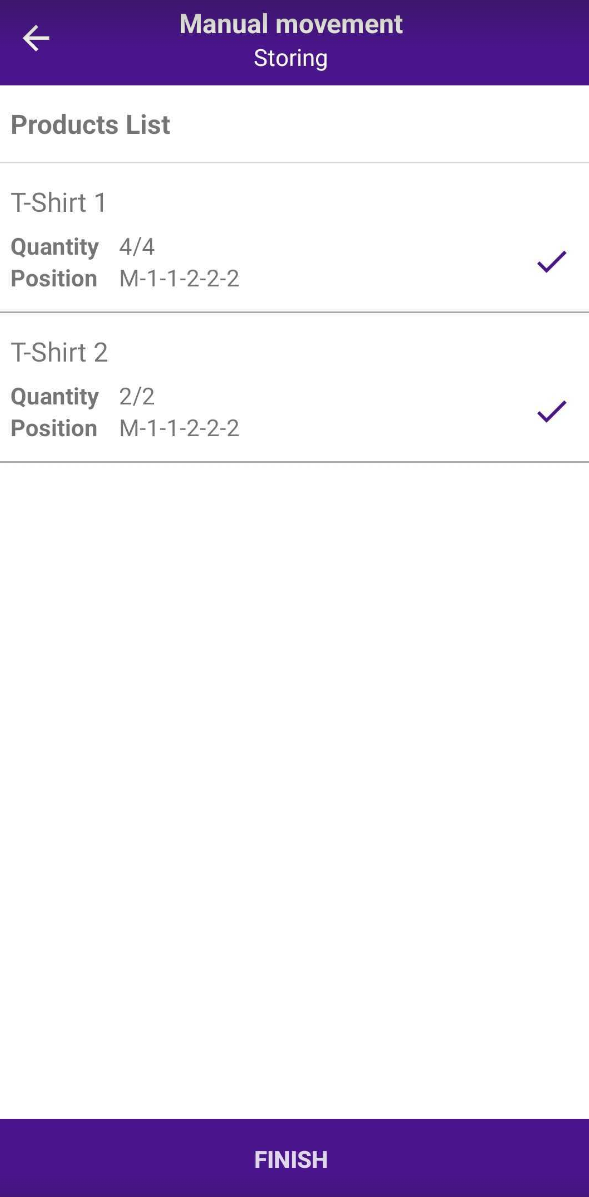
6. In the Final screen, we can check one more time if everything is correct and click Finish.
Was this page helpful?
Thanks for the feedback!